
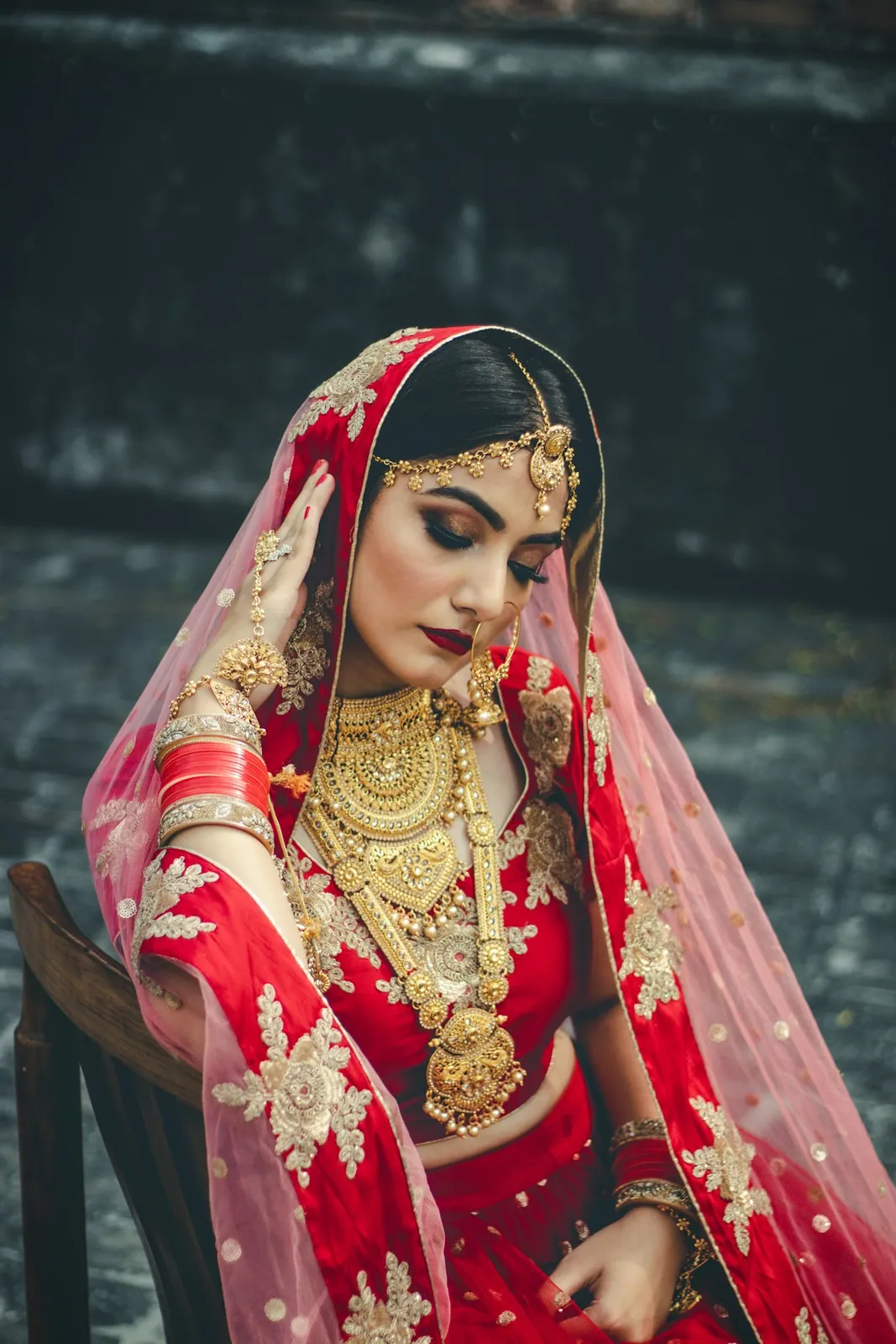
For the people behind the photographs
Your studio. Every booking. Every beautiful delivery.
Manage enquiries, plan shoots, share galleries and let clients choose their photos — all in Sisiona.
Aanya & Kabir
Wedding · Jaipur
Wedding day
Photography & films · Regular wedding
Requested scope, ready for a quotation.₹75,000
A new hello. A clear next step.
Less chasing. More creating.
A home for every part
of your studio’s story.
From first hello to booked
Turn a new enquiry into a clear booking.
Keep client details, event requirements and packages together, then prepare a quotation with the work you selected.
Try an enquiryClient details → Quotation → Booking
Aanya & Kabir
Wedding · Jaipur
Wedding day
Photography & films · Regular wedding
Requested scope, ready for a quotation.₹75,000
Photo selection
Their favourites. Clearly collected.
Let clients choose photos for editing and their album, leave notes and submit their choices in one place.
Try photo selectionClient choices, ready for studio review.
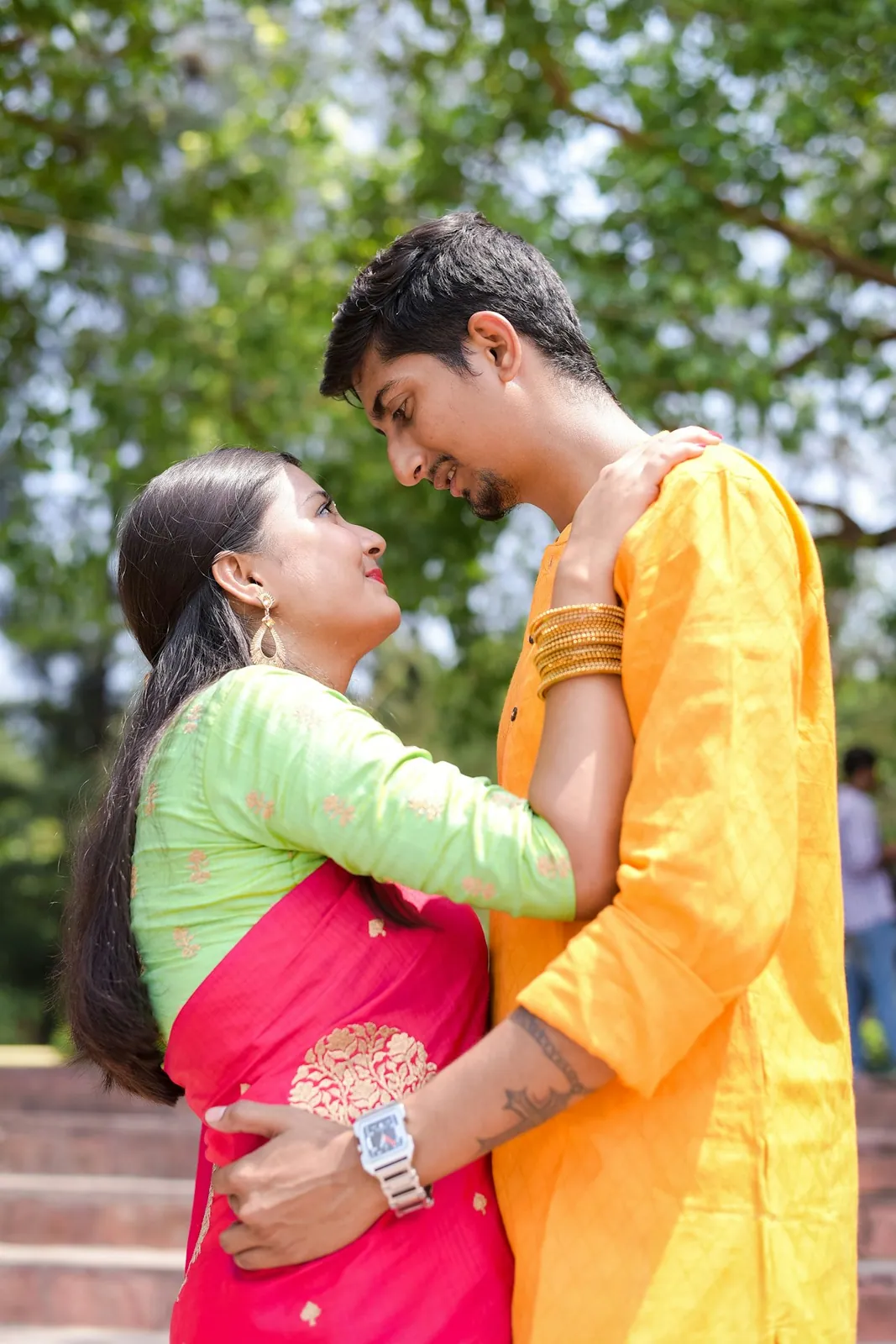
Aanya & Kabir
Choose your favourites · 16 photos
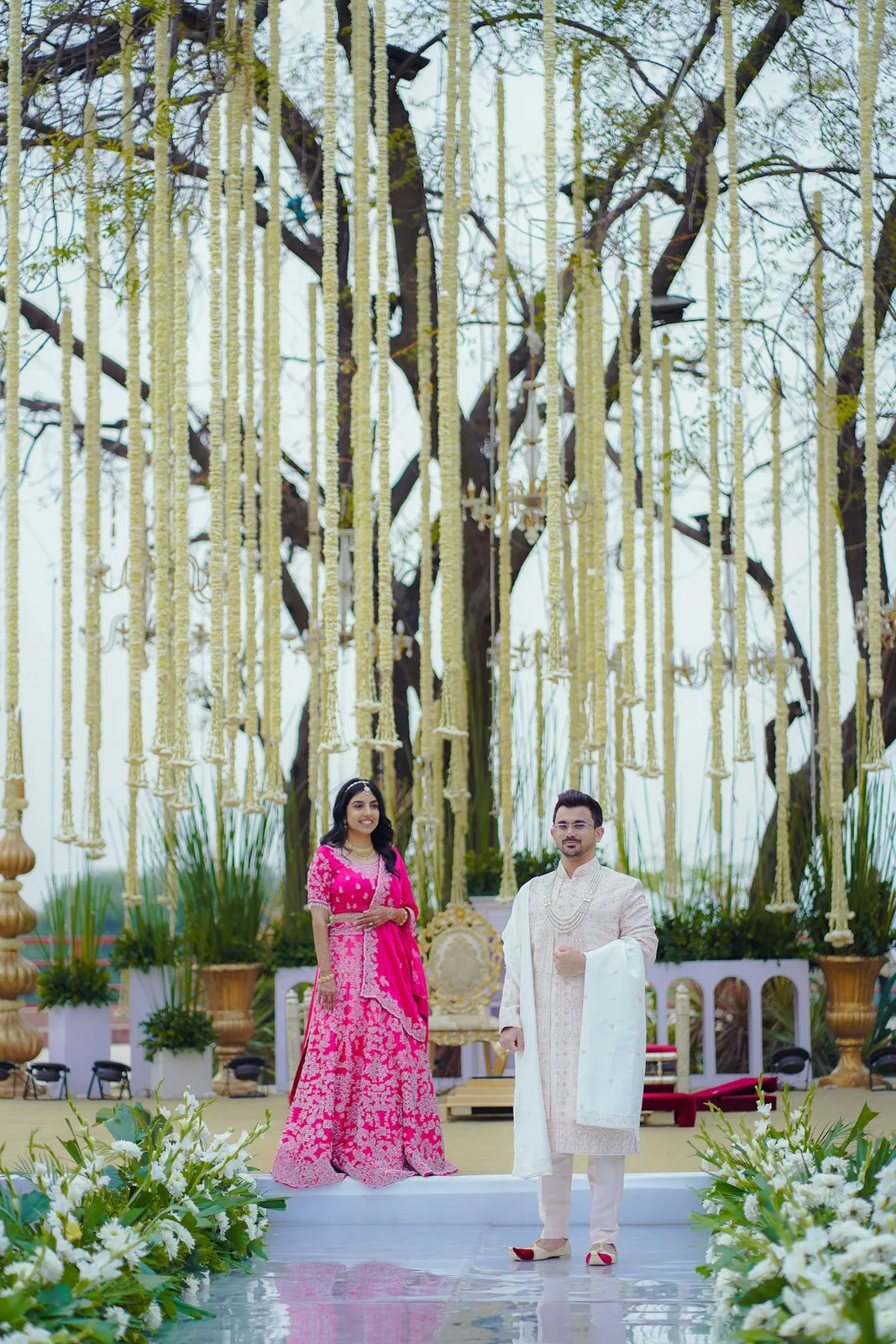
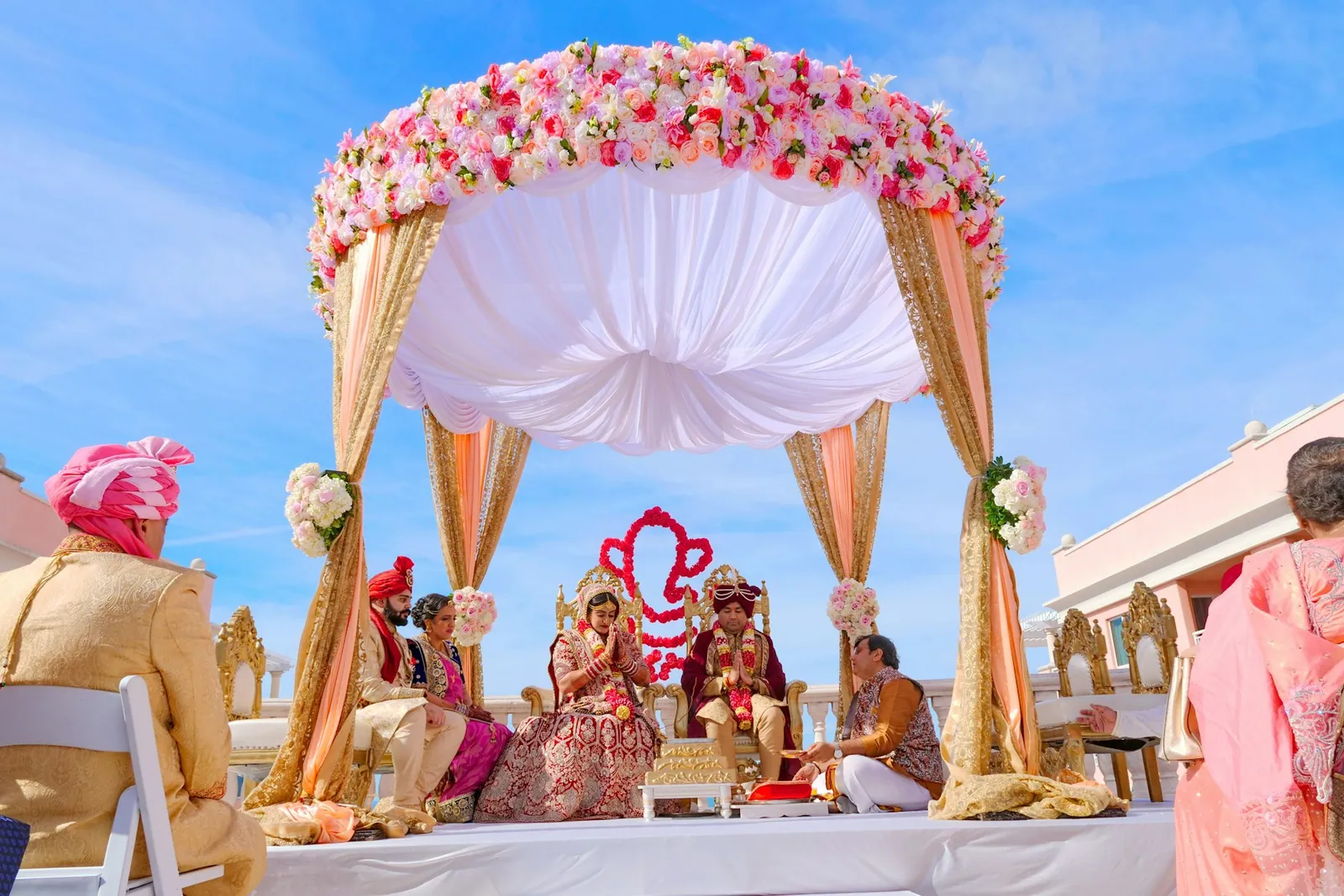
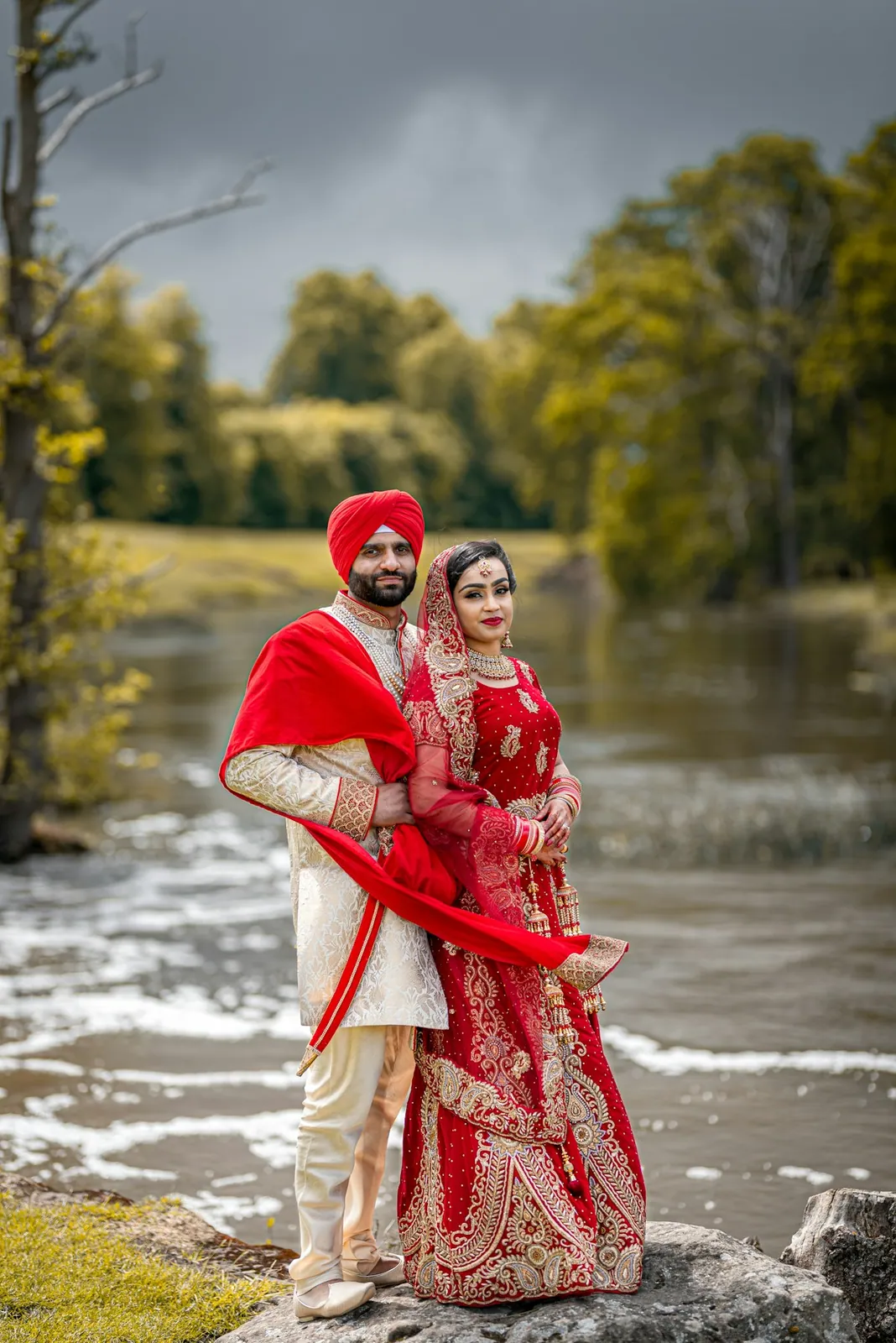
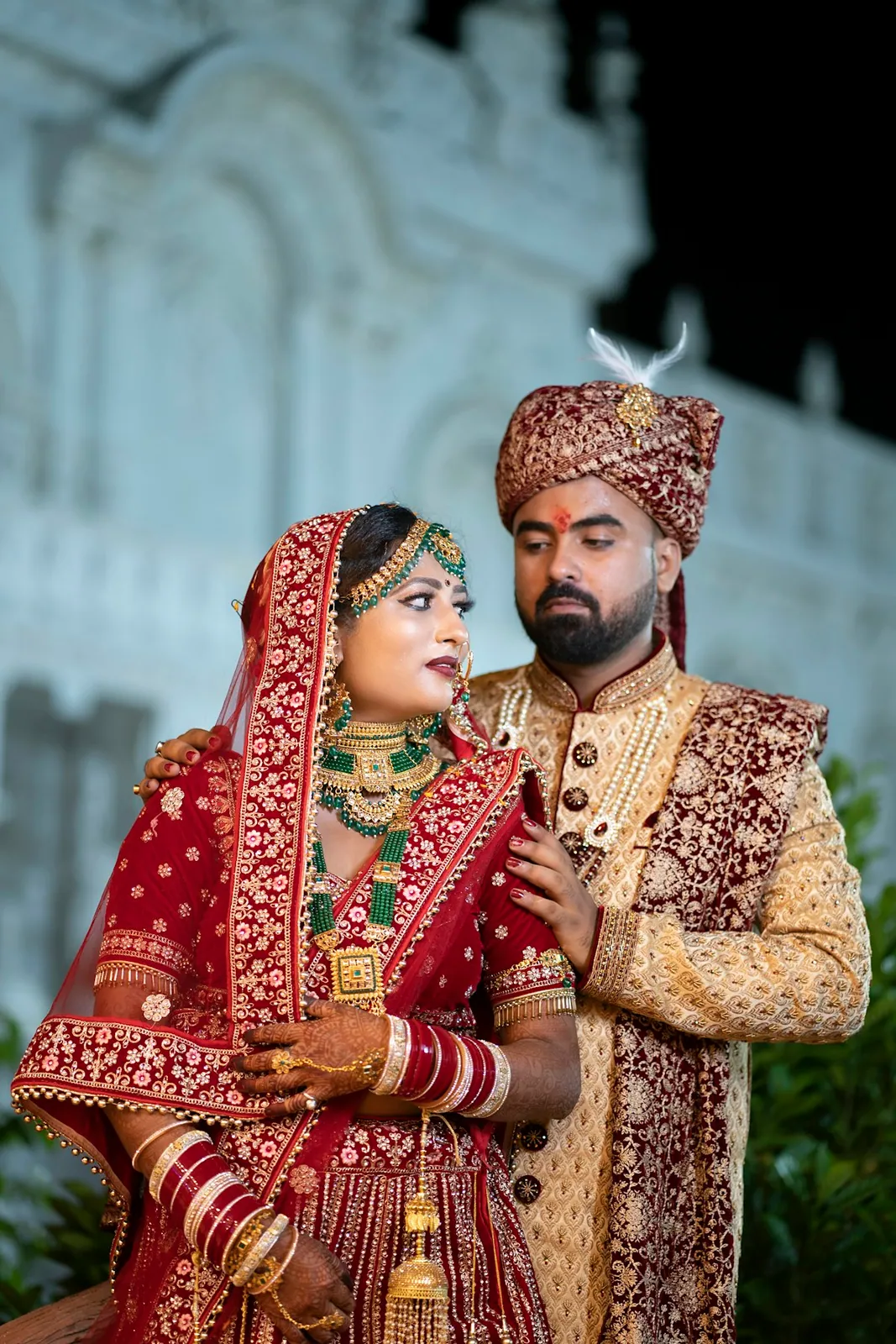

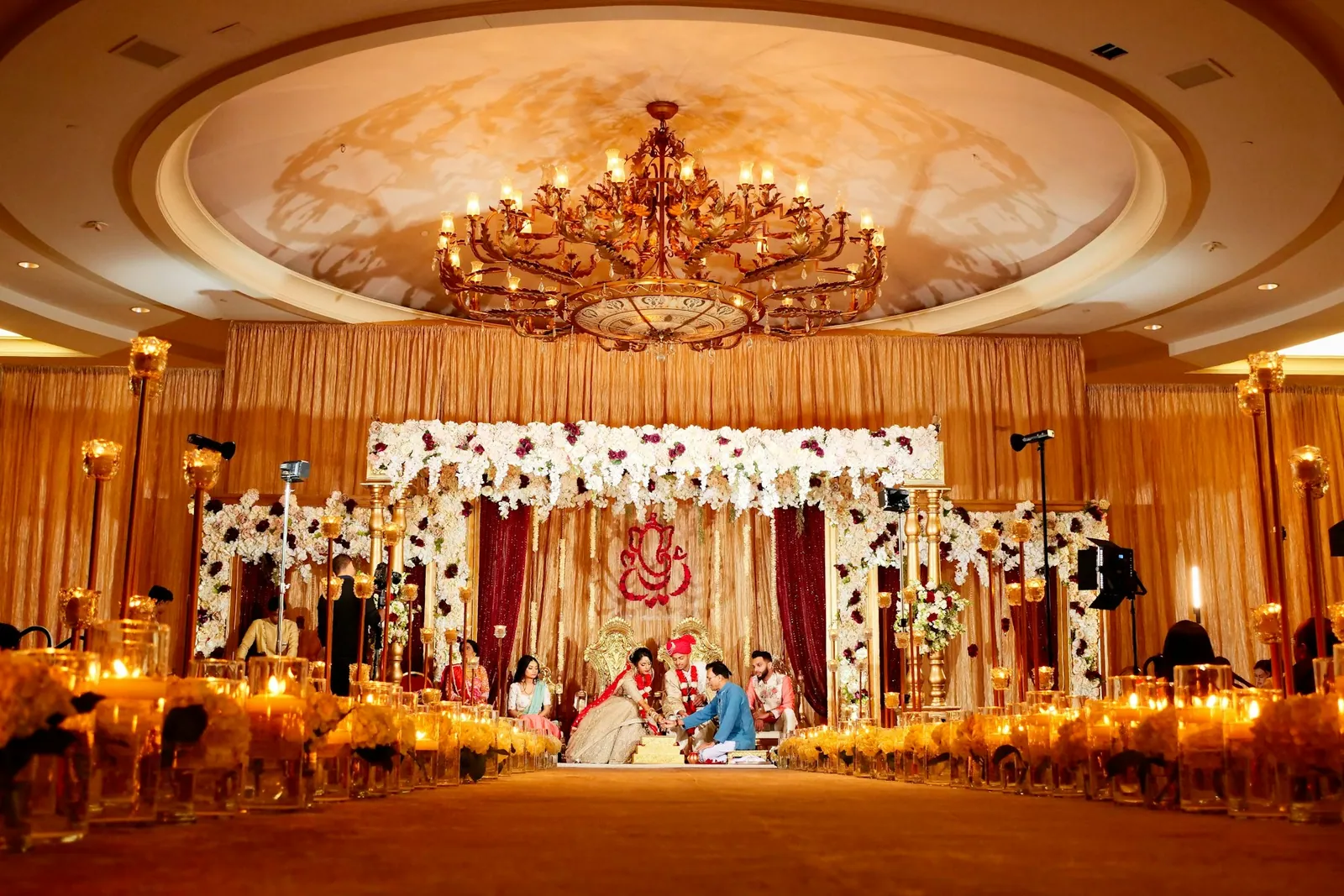

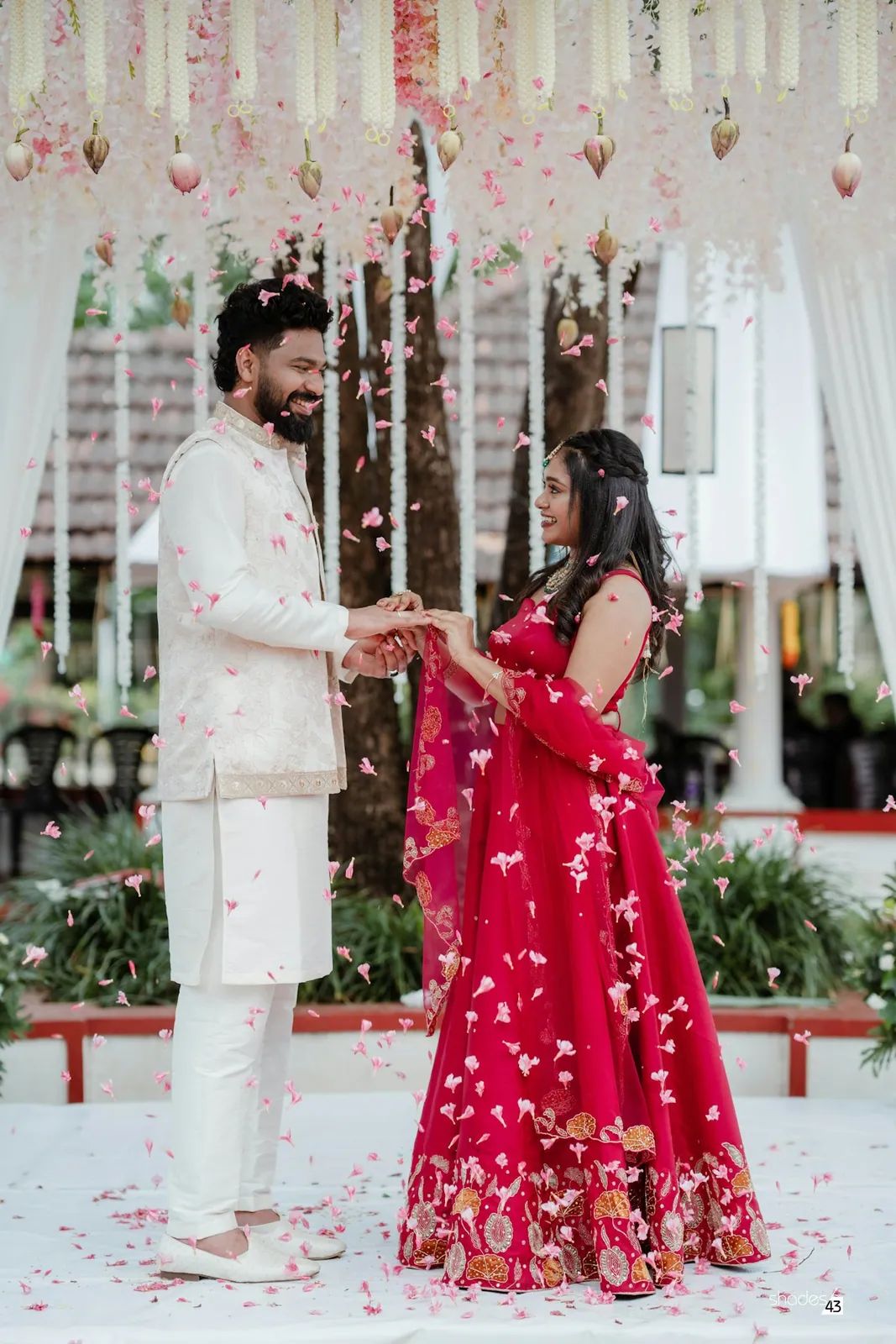
Aanya & Kabir
Editing request · 6 choices submitted
Client galleries & delivery
Deliver a gallery that feels like your studio.
Present the finished photos, films and albums you release, with your branding and the download controls you choose.
View sample galleryYour branding. Your delivery permissions.
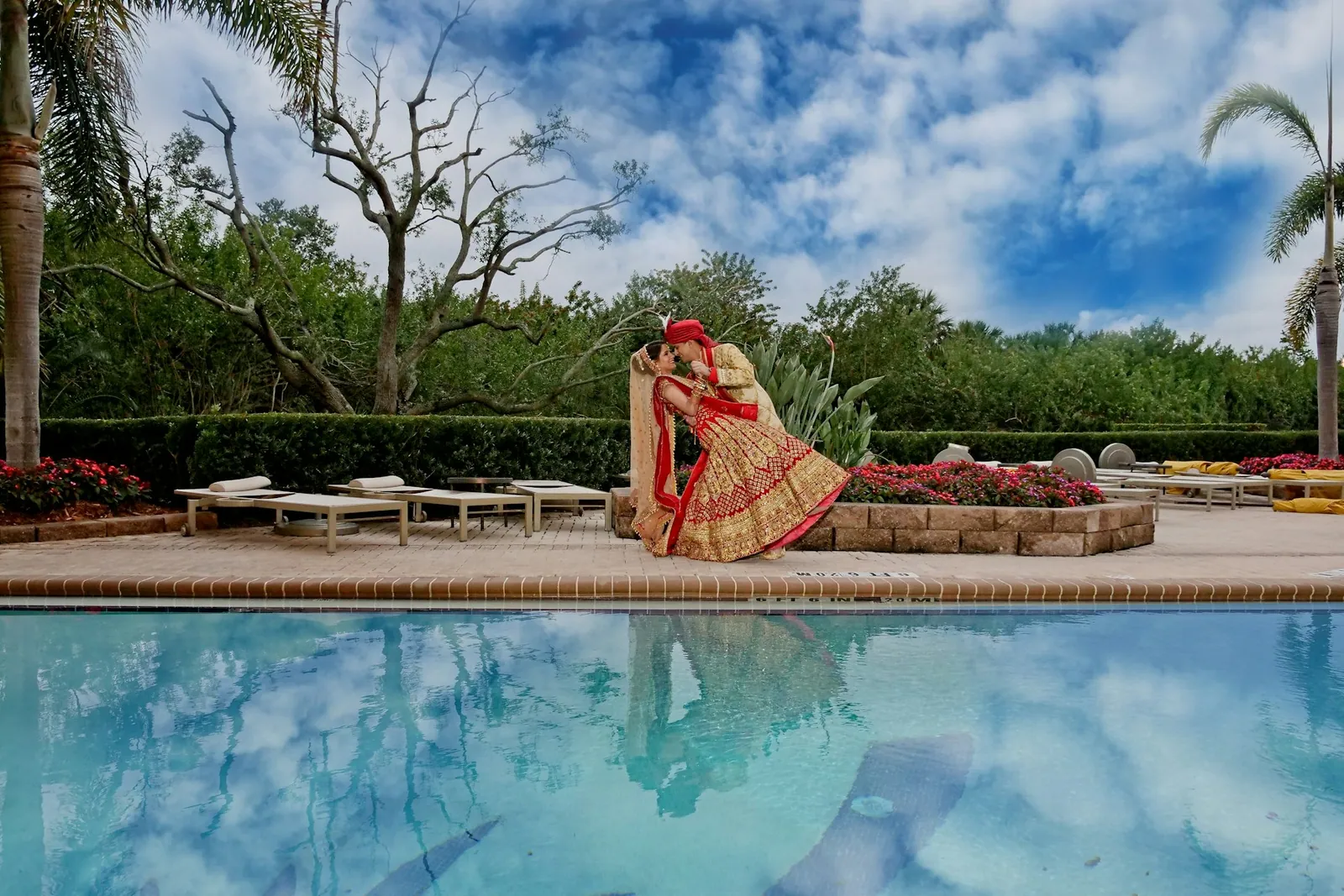
The Marigold Studio
Aanya & Kabir
14 February 2027 · Your photographsThe Marigold Studio
Aanya & Kabir
14 February 2027 · Your photographsYour studio website
Give your photography a place of its own.
Choose a design, add your work and studio details, preview it on mobile and publish when you are ready.
Explore a studio websiteSave a draft. Preview. Publish when ready.
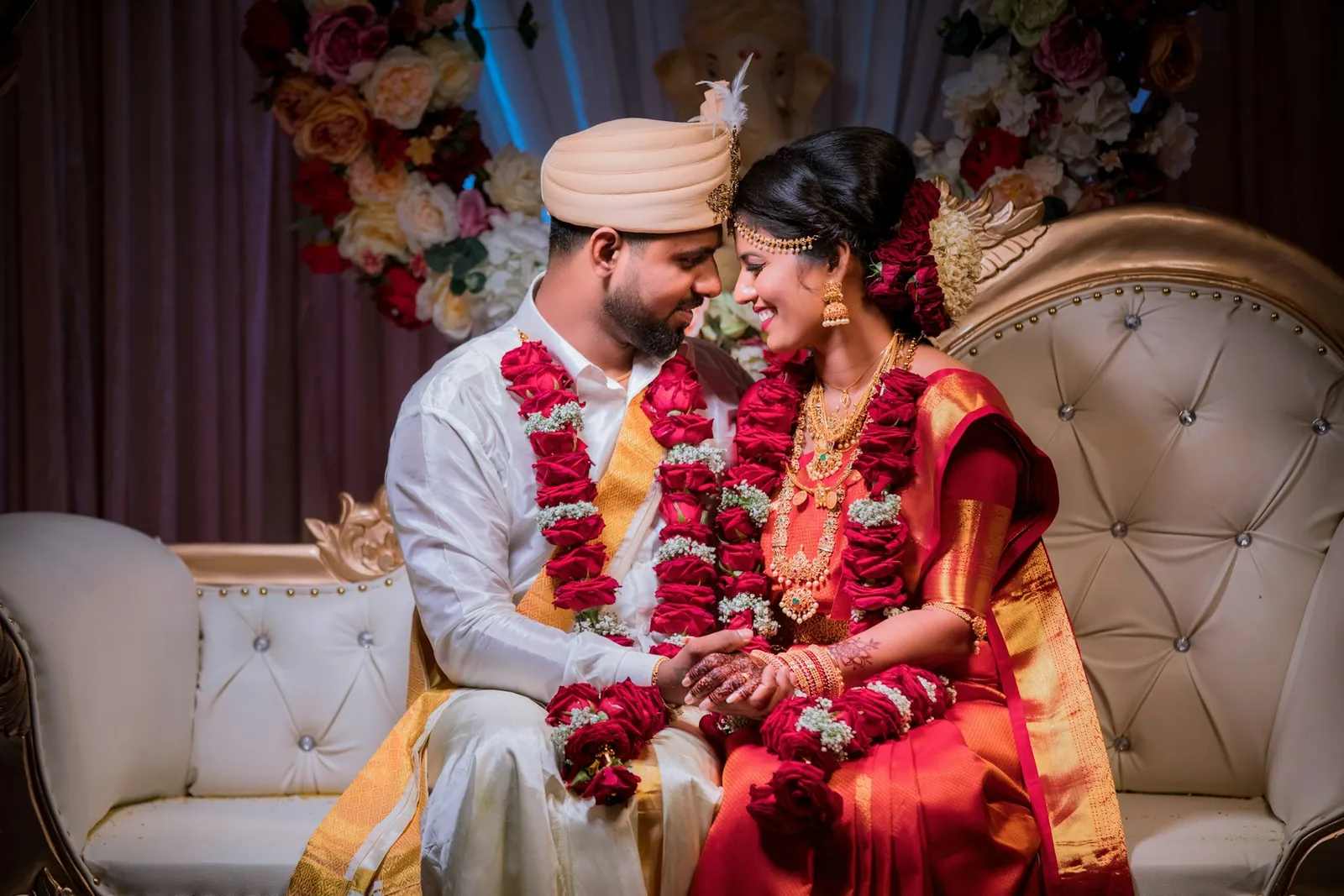
A LITTLE OF LIFE. A LOT OF LOVE.
The moments pass.
The feeling stays.
Your people. Your story.
A LITTLE OF LIFE. A LOT OF LOVE.
The moments pass.
The feeling stays.
Your people. Your story.
Client conversations
Keep conversations close to the work.
See supported studio messages alongside the client and booking details that give them context.
Preview WhatsAppRequires a connected sender, approved templates and usage balance.
Keep the conversation going.
PHOTO SELECTION REMINDER · SAMPLE
Hi Aanya, your wedding photographs are ready to choose. Select your favourites for editing and your album.
Open photo selectionPreview only · no message sent
The work behind the work
One booking.
A team in sync.
Keep shoot dates, assignments, project progress and payment tracking with the booking. Keep private files separate from the work you release.
Explore the booking workspaceAanya & Kabir
Wedding · Jaipur
Wedding day
10:00 AM · Jaipur
Mira · PhotographerScheduled
Next task · Studio team
Studio AI
A clearer view
of your next step.
Ask about your schedule, pending work or studio summary. Keep the context close and consequential actions under your control.
Meet your studio assistantWhat needs my attention?
A little clarity for your day.
- Aanya & Kabir’s wedding shoot is scheduled for 14 February.
- Review their album choices before starting the layout.
- The family portrait shortlist is ready for your review.
Based on The Marigold Studio’s fictional sample.
Space to grow
Your studio. Your pace.
Choose your storage and billing period.
Keep your studio’s work connected.
Loading current pricing…

What can I try in the demos?
Follow a fictional studio from enquiry to booking, choose photos, explore a finished gallery, preview a studio website and prepare a sample WhatsApp message. Reset demo starts again. Nothing is sent to a studio.
How are photo selection and a client gallery different?
Photo selection collects the client’s choices for editing and their album. A client gallery presents finished work that your studio releases, with the access and download settings you choose.
Can I use my own studio branding?
Use your studio details and supported branding settings on your website and client-facing experiences. The samples show a fictional studio so you can explore without an account.
How do the subscription plans work?
Choose a storage capacity and Monthly or Yearly billing. Yearly shows the full upfront amount. Review the exact price, taxes and validity at checkout. AI and WhatsApp usage balances are separate from the base subscription.
Will WhatsApp messages send automatically?
Sending depends on a connected sender, approved templates, available usage balance and your configured workflow. The public demo only previews a message; it never sends one.
Where can I get help setting up?
The guides cover studio setup, enquiries, selection, galleries and website publishing. You can also contact Sisiona support from the links below.